
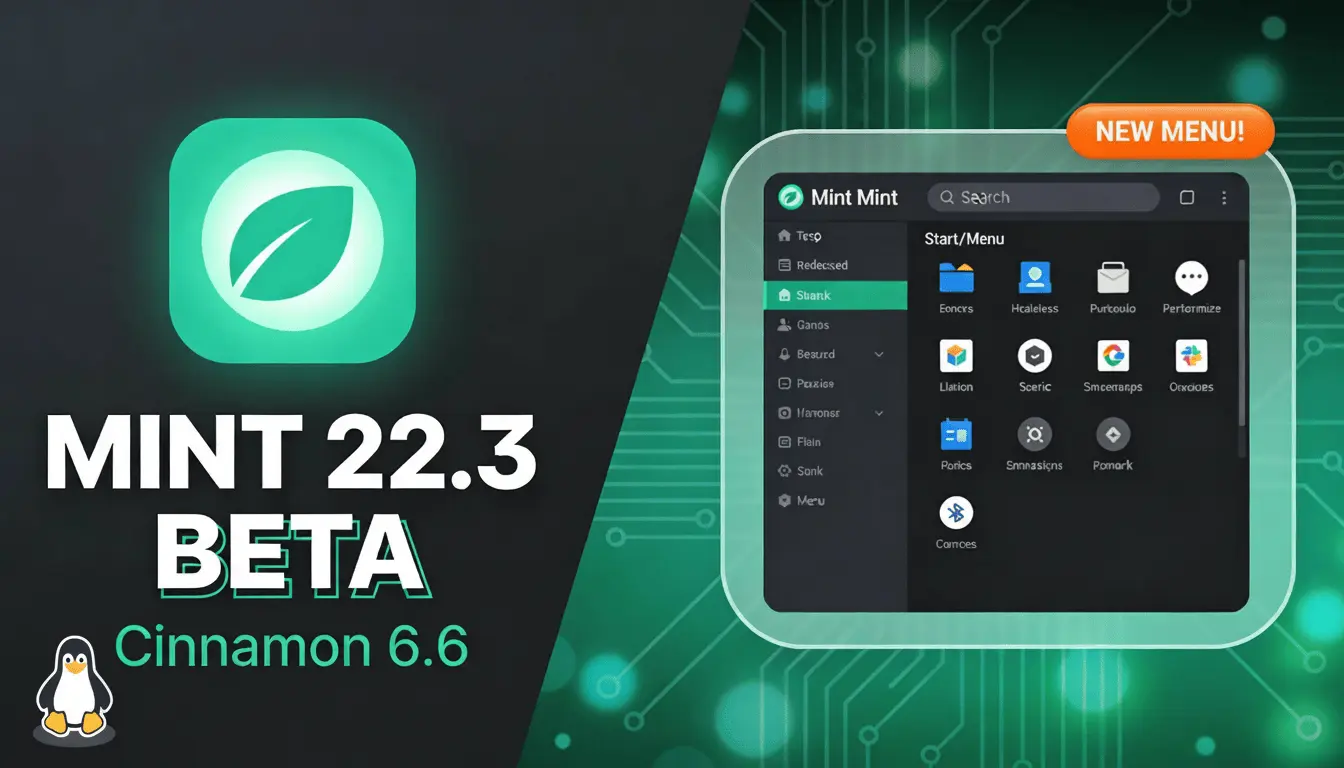
The Linux Mint team has officially pulled back the curtain on the Linux Mint 22.3 “Zena” public beta. This release isn't just a minor incremental update; it’s a significant leap forward centered around the highly anticipated Cinnamon 6.6 desktop environment. Built on the solid foundation of Ubuntu 24.04.3 LTS, Zena promises stability and cutting-edge features that will be supported until 2029.
If you are a fan of sleek interfaces and robust system tools, here is everything you need to know about the new Mint update.
🚀 Under the Hood: Kernel 6.14 & Long-Term Support
Linux Mint 22.3 “Zena” is powered by Linux Kernel 6.14, ensuring excellent hardware compatibility for the latest processors and GPUs. As part of the 22.x LTS cycle, users can enjoy peace of mind with guaranteed security updates through 2029.
🖥️ Cinnamon 6.6: Wayland-Ready & Native Input
The star of the show is Cinnamon 6.6. The team has completely overhauled how the desktop handles input methods.
Unified Input Management: Keyboard layouts and IBus input methods are now managed in a single, unified interface.
Wayland Compatibility: These improvements are fully compatible with Wayland, moving Mint closer to a modern display server future.
Native On-Screen Keyboard: The On-Screen Keyboard (OSK) has been rewritten natively within Cinnamon, removing its old dependency on libcaribou and adding full support for layout switching.
🎨 A Modern "Start" Menu: The Mint Menu Redesign
The iconic Mint Menu applet has received a stylish makeover. It’s now more customizable than ever:
Customizable Sidebar: You can now configure sidebar elements like avatars, places, and favorites with symbolic or full-color icons.
Layout Flexibility: Users can now reposition the search bar, show or hide the system buttons row, and toggle the sidebar visibility to create a menu that fits their unique workflow.
📂 Power User Tools: Nemo & System Information
Mint’s file manager, Nemo 6.6, has gained some "Pro" features:
Pause/Resume Operations: You can finally pause and resume file operations like copying or moving large folders.
Regex Search: Advanced users can now use Regular Expressions (Regex) to match filenames, making complex searches effortless.
Template Manager: A new dedicated manager makes organizing file templates easier than ever.
Furthermore, the old "System Reports" tool has been rebranded as “System Information,” adding dedicated pages for BIOS, GPU, PCI, and USB details. A new “System Administration” tool also arrives to help manage boot parameters with full admin privileges.
📥 How to Download and Install Linux Mint 22.3 Beta
Since this is a beta release, it is currently available through official torrents and mirror servers.
Step 1: Get the ISO File
Torrent (Recommended): Visit the Linux Mint blog and download the
.torrentfile for your preferred edition (Cinnamon, MATE, or Xfce). Use a client like qBittorrent for a fast, reliable download.Direct Download: Browse the "testing" folder on official Linux Mint mirror servers to find
linuxmint-22.3-cinnamon-64bit-beta.iso.
Step 2: Create a Bootable USB
Once downloaded, verify the SHA256 checksum for security. Use tools like Rufus or Etcher to flash the ISO onto a USB drive.
Step 3: Boot and Test
Restart your PC and boot from the USB. You can choose the “Try” option to test the new features without affecting your current OS.
💡 Pro Tip: Because this is a Beta version, it may contain bugs. Always back up your data before installing it on a production machine.

-Who-Wins-the-Satellite-War.webp)




Comments 0
No comments yet
Be the first to share your thoughts!
Leave a Comment