
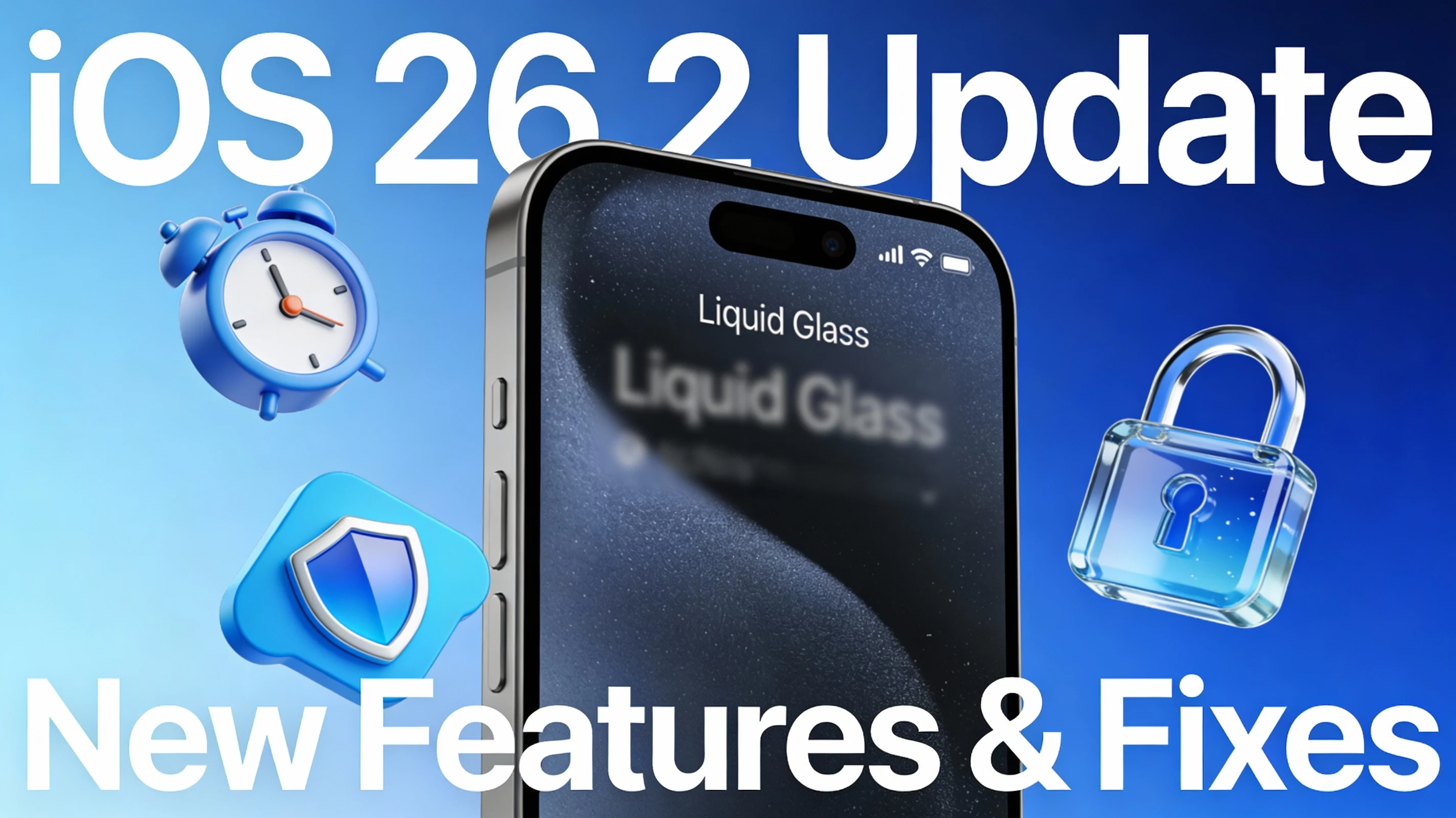
Apple has publicly released iOS 26.2, a mid-cycle update for iPhones. The update arrived around December 12 in a rare Friday rollout, and although it is positioned as a “small but important” upgrade, its bundled security patches make it a critical update for all users.
iOS 26.2 brings several quality-of-life upgrades, new reminder alarms, Liquid Glass lock-screen tweaks, AirDrop security improvements, and media app enhancements. Here is a breakdown of everything you need to know about the latest patch.
1. ⚠️ The Critical Reason to Update: Security Patches
Multiple reports describe iOS 26.2 as a "critical" update due to its essential security patches and bug fixes. Apple is actively addressing over 20 vulnerabilities.
Actively Exploited WebKit Flaws: The update patches at least two WebKit vulnerabilities that Apple confirms may have been actively exploited in "extremely sophisticated attacks" against specific targeted individuals on older iOS versions. These bugs could allow malicious web content to execute arbitrary code or cause memory corruption.
Kernel and Root Access Fixes: A major fix addresses an integer overflow issue in the Kernel that could have allowed a malicious app to gain root privileges (full system control).
Privacy Fixes: It resolves issues that could have allowed photos in the Hidden Album to be viewed without authentication, and fixes a flaw that could unintentionally reveal password fields during remote control via FaceTime.
2. Main New Features and Customization
This update includes several highly requested user-facing features that enhance daily usability and customization.
| Feature | Description |
|---|---|
| Reminder-Linked Alarms | You can now link alarms directly to Reminders, triggering a proper alarm sound and Live Activity support for time-sensitive tasks. This includes a new “Urgent” priority alert type. |
| Liquid Glass Slider | The Lock Screen gains a new slider to adjust the opacity (frostedness) of the Liquid Glass effect on the clock, giving users more visual control. |
| AirDrop Codes | AirDrop security is boosted with one-time codes and extra verification steps when sharing with unknown contacts, reducing spam risk. |
3. Media, Gaming, and Health Enhancements
The update brings significant refinements to Apple’s core apps.
Apple Music: The Favorite Songs playlist now appears in Top Picks on the Home tab. Crucially, it adds Offline Lyrics for downloaded songs.
Podcasts: Episodes now feature automatically generated chapters.
Gaming: The Games library gains new filters to sort games by category, size, and more. It also improves support for third-party controllers (Backbone, Razer).
Sleep Tracking: Sleep tracking sees refinements, with updated Sleep Scores and metrics aimed at giving a more accurate picture of sleep quality over time.
Speaking of rapid tech developments, have you seen the massive price drops and new phone support for Starlink in 2025?
4. How to Install iOS 26.2
iOS 26.2 is available for all iPhones that support iOS 26 (iPhone 11 series and later).
Go to Settings.
Tap General.
Select Software Update.
Tap Download and Install.
Apple recommends all users update their devices to iOS 26.2 as soon as possible due to the critical security fixes.

-Who-Wins-the-Satellite-War.webp)


Comments 1
Leave a Comment