
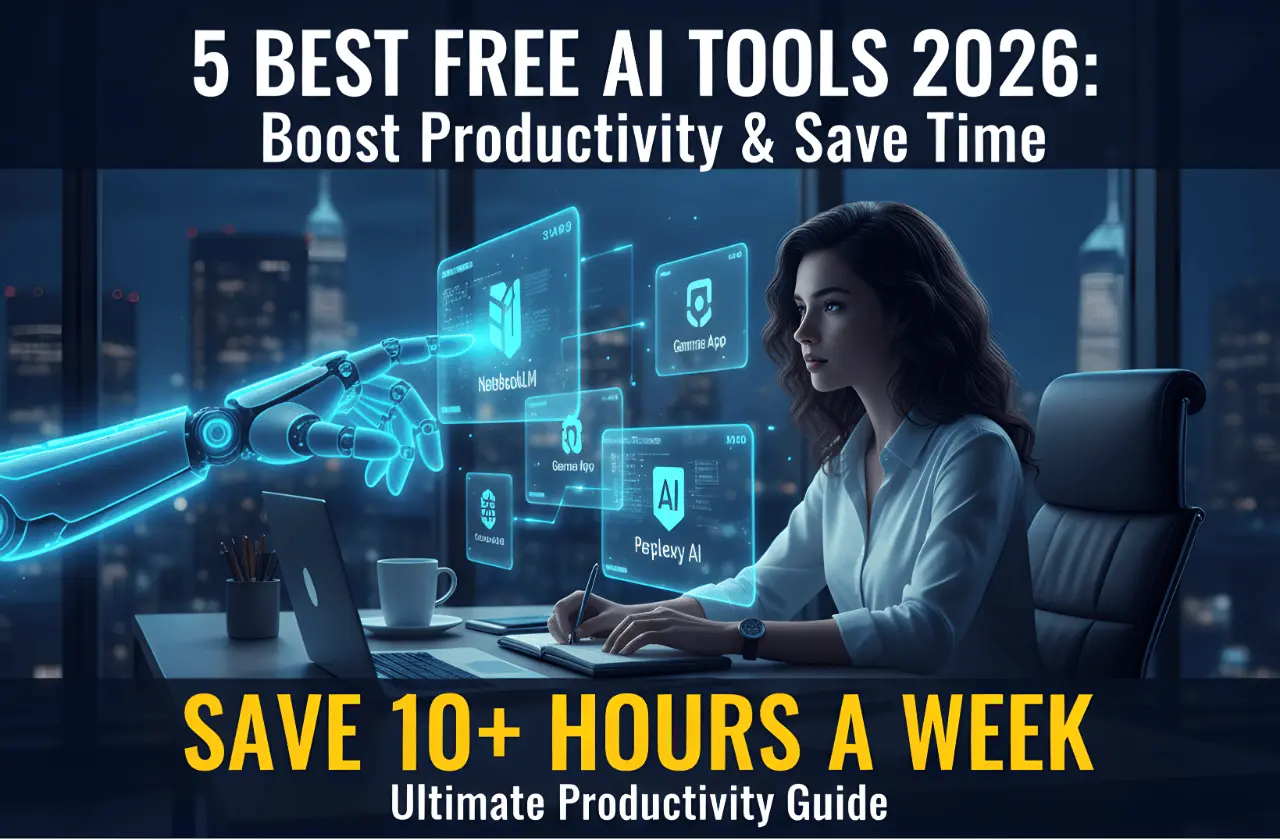
In 2026, working hard is not enough; you must work smart. AI is no longer just for chatting; it is now a powerful assistant that can handle your boring tasks. Whether you are a student, a teacher, or an office worker, these 5 free AI tools will change how you work.
1. NotebookLM by Google (Your Personal Researcher)
If you have long PDF files, books, or notes to read, NotebookLM is a lifesaver. You can upload up to 50 documents, and the AI will summarize everything for you.
Best Feature: It can create a "Deep Dive" audio conversation (like a podcast) explaining your notes while you listen on the go.
Why use it: To understand complex topics in minutes instead of hours.
2. Gamma App (Create Presentations in Seconds)
Forget spending hours on PowerPoint. Gamma uses AI to create beautiful presentations, websites, or documents from a simple text prompt.
Best Feature: Just type "Create a 10-slide presentation about Cyber Security," and it will generate the text, images, and layout instantly.
Why use it: To save time on formatting and design.
3. Perplexity AI (The Google Search Killer)
Searching on Google often gives you too many ads and useless links. Perplexity AI scans the internet and gives you a direct, cited answer to any question.
Best Feature: It provides links to the sources, so you know the information is real and accurate.
Why use it: For fast, reliable research without clicking through 10 different websites.
4. Goblin.tools (For Organizing Your Tasks)
If you feel overwhelmed by a big project, Goblin.tools is a unique free AI. It takes a big task and breaks it down into tiny, manageable steps.
Best Feature: The "Magic To-Do" list that estimates how long each small task will take.
Why use it: Perfect for people who struggle with time management or feel stressed by big workloads.
5. Microsoft Copilot (Integrated into Windows 11)
You don’t need to open a browser to use AI anymore. Microsoft Copilot is built directly into Windows 11. You can use it to summarize emails, write reports in Word, or even generate images.
Best Feature: It can control your PC settings (like "Turn on Focus Mode") and organize your windows.
Why use it: It’s already on your PC—fast and easy to access.
Conclusion
AI tools are not here to replace you, but to give you more free time. By using these 5 tools, you can finish your work faster and stay ahead in 2026. Try them today and see the difference!
-Specs,-Price,-and-6000-Series-Leaks.webp)
.webp)



Comments 0
No comments yet
Be the first to share your thoughts!
Leave a Comment