
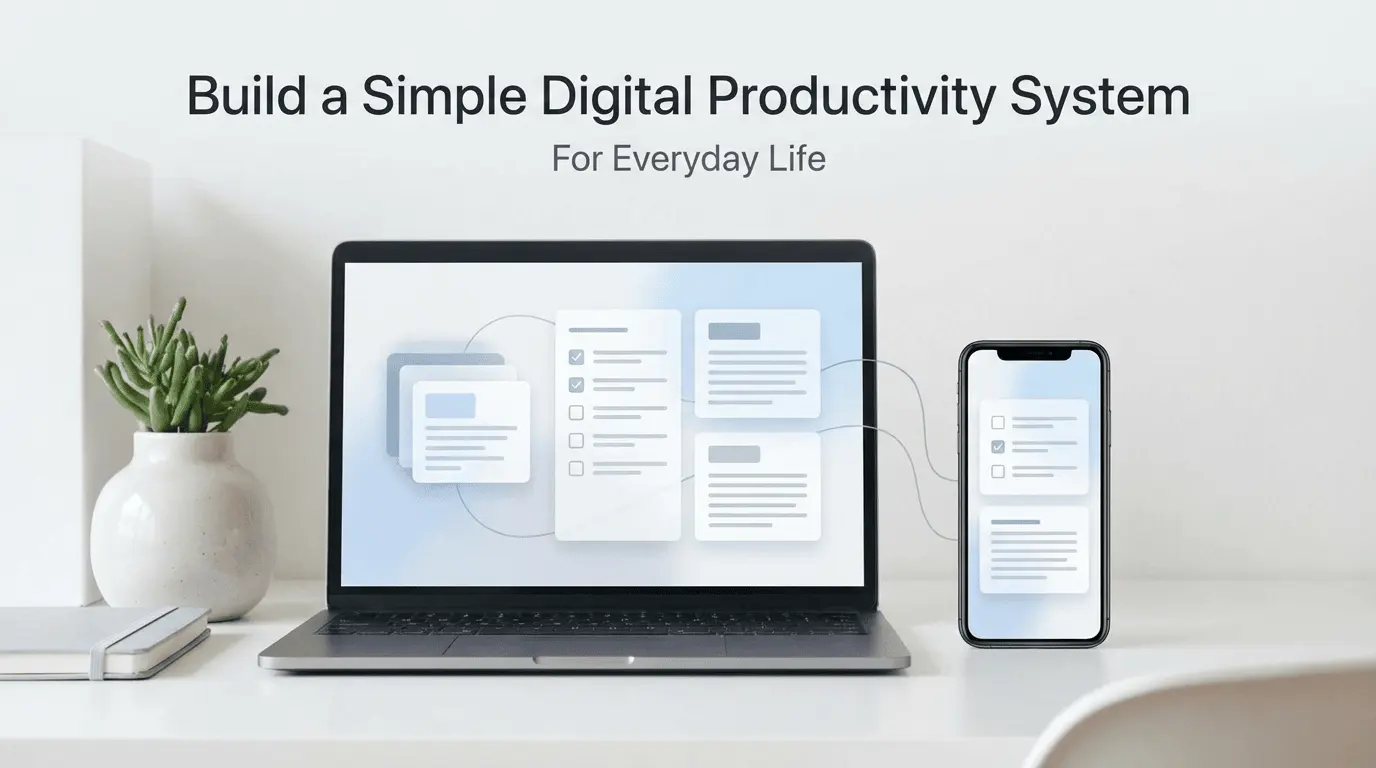
Why Daily Productivity Feels Hard for Most People
Most people already use a phone and a PC every day, yet daily work often feels disorganized. Tasks are spread across apps, notes are saved in different places, and important things are easy to forget.
The problem is not a lack of apps or tools.
The real problem is not having a simple system to manage daily life.
A digital productivity system does not need to be complex.
It just needs to be clear, repeatable, and realistic.
My Experience With Building a Productivity System
I started building a simple digital productivity system after realizing that I was spending more time managing tasks than actually completing them. I was using multiple apps, switching between my phone and PC, and still forgetting important things.
From my experience, productivity improved only when I reduced complexity. Instead of adding more tools, I focused on creating clear steps for handling tasks, notes, and daily work. Once everything had a proper place, work became easier and less stressful.
What Is a Digital Productivity System?
A digital productivity system is a simple structure that helps you manage tasks, information, and priorities using digital tools.
It answers three basic questions:
Where do I capture tasks and ideas?
How do I organize and review them?
How do I decide what to do today?
If your system answers these clearly, it will work — regardless of the apps you use.
The Core Principles of a Simple System
Before choosing tools, understand these principles:
Keep Everything in One Place
Tasks and notes should not be scattered across many apps. One main place for tasks and one place for notes is enough.
Reduce Decisions
A good system removes the need to decide what to do next. Clear priorities save mental energy.
Make It Easy to Review
If reviewing tasks feels difficult, the system will fail. Simplicity is key.
Step 1: Choose One Place for Daily Tasks
The most important part of your system is your task list.
Choose one app or tool that works on both your phone and PC. This ensures consistency across devices.
Your task list should:
Contain all tasks (work + personal)
Show what needs to be done today
Be easy to check multiple times a day
Avoid using multiple task apps. One is enough.
Step 2: Decide How You Capture Information
Ideas, reminders, and quick notes appear at random times.
Create a simple rule:
Everything goes into one notes app first.
You can organize later, but capturing information quickly is more important than perfect structure.
This habit alone reduces forgotten tasks and mental clutter.
Step 3: Create a Simple Daily Review Habit
A productivity system fails without review.
At the start or end of the day:
Check your task list
Decide top priorities
Remove or postpone low-value tasks
This takes only a few minutes but keeps the system alive.
Step 4: Separate Daily Tasks From Long-Term Plans
Many people mix daily work with future ideas, which causes overwhelm.
A simple solution:
Daily tasks: things you must act on now
Future ideas: things you may work on later
This separation improves focus and reduces stress.
Step 5: Use Technology to Support, Not Control, Your Day
Technology should reduce effort, not add pressure.
Helpful uses of technology include:
Reminders instead of memory
Templates instead of repeated typing
Simple automation for recurring tasks
Avoid tools that require constant setup or maintenance.
If you want to explore how AI can assist without taking control, you may find our guide on how AI tools help with daily tasks without replacing users useful.
Common Mistakes That Break Productivity Systems
Even simple systems fail when these mistakes happen:
Trying too many apps at once
Making the system too detailed
Skipping daily or weekly reviews
Expecting instant perfection
Consistency matters more than complexity.
How Long Does It Take to See Results?
A simple productivity system shows benefits quickly.
Most people notice:
Better task clarity within a few days
Less stress after one week
Improved consistency after two to three weeks
The key is to keep the system small and flexible.
Frequently Asked Questions
Do I need special productivity apps?
No. Most systems work well with basic apps you already have.
Can this system work without AI?
Yes. Productivity is mainly about habits and structure.
Should I use different systems for work and personal life?
It is usually better to use one system for everything to avoid confusion.
What if I miss a day?
Missing a day is normal. Restart the next day without guilt.
Final Thoughts
A simple digital productivity system is not about doing more work.
It is about making daily life easier to manage.
From my experience, the best systems are the ones that feel natural and require very little effort to maintain. Start small, stay consistent, and adjust slowly as your needs change.
This article serves as a foundation for our productivity guides, and the related articles below will help you refine and improve your system over time.
.webp)




Comments 0
No comments yet
Be the first to share your thoughts!
Leave a Comment