
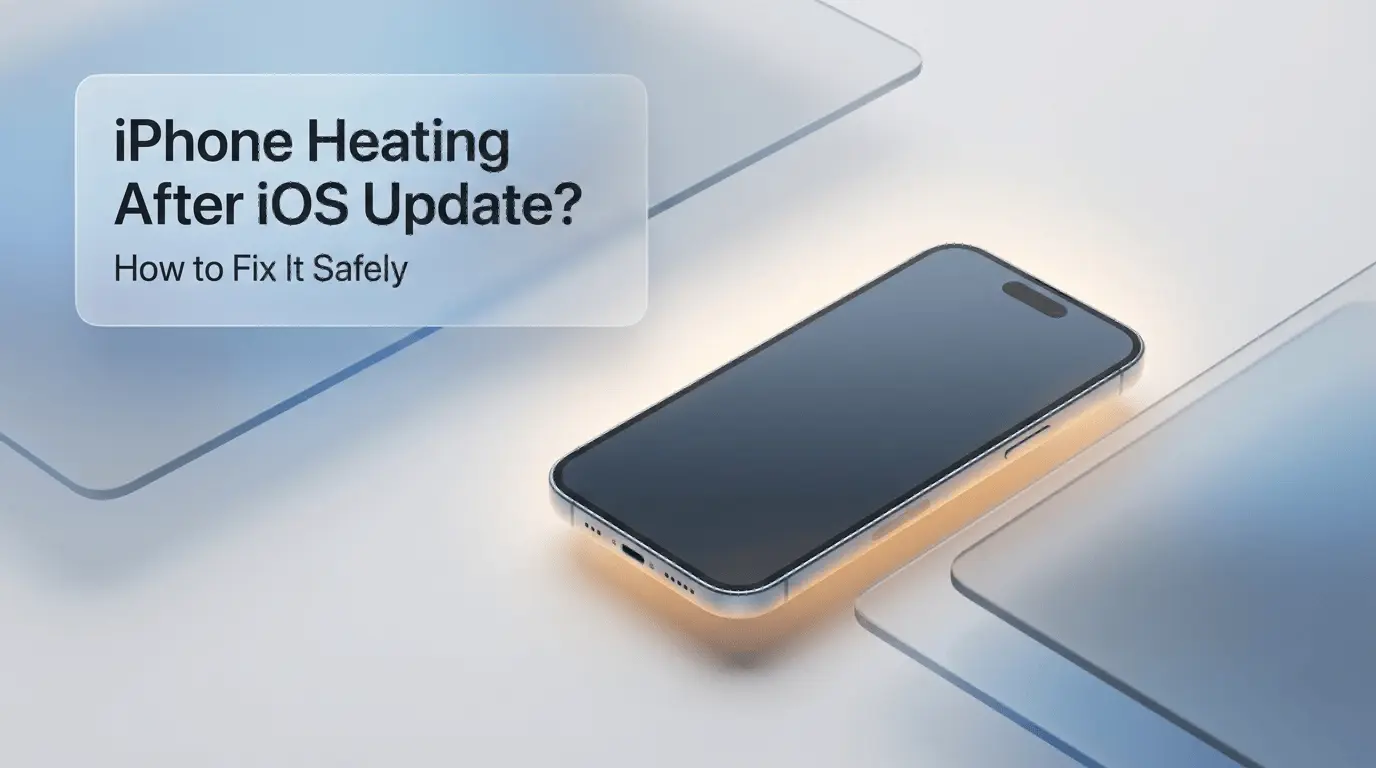
iPhone Heating After iOS Update?
Did your iPhone start heating up after an iOS update?
Many users notice their iPhone becoming warm or even hot shortly after installing a new iOS version.
👉 This is very common
👉 And in most cases, it’s not a hardware problem
Follow the steps below to cool down your iPhone safely.
Why iPhone Heats Up After an iOS Update
After an update, your iPhone performs many background tasks.
Common reasons include:
System indexing after update
Apps running heavily in the background
Increased CPU usage
Battery recalibration
Settings changed during update
💡 These processes can cause temporary heating.
🔍 Quick Check Before Fixes
Before doing anything:
Has it been less than 24 hours since the update?
Does the phone heat up even when you’re not using it?
If yes, continue with the fixes below.
✅ Fix 1: Restart Your iPhone
Restarting clears background system tasks.
Restart once
Let the phone cool down for a few minutes
This simple step fixes overheating for many users.
✅ Fix 2: Update All Apps (Very Important)
Old apps can cause high CPU usage.
Open App Store
Update all installed apps
Apps not optimized for the new iOS version are a top heating cause.
✅ Fix 3: Check Battery Usage
Overheating and battery drain often happen together.
Settings → Battery
Check which apps are using the most power
If you also notice fast battery drain, read this guide:
👉 iPhone Battery Draining Fast After iOS Update – Fix It
✅ Fix 4: Reduce Background Activity
Limit unnecessary background usage.
Turn off Background App Refresh
Reduce location access for unused apps
Disable unnecessary Bluetooth features
This helps lower heat quickly.
✅ Fix 5: Avoid Heavy Usage Temporarily
Right after an update:
Avoid gaming
Avoid video editing
Avoid long video calls
Give your iPhone 12–24 hours to stabilize.
✅ Fix 6: Remove Phone Case Temporarily
Thick cases trap heat.
Remove the case while charging or updating
Place the phone on a cool surface
This helps heat escape naturally.
✅ Fix 7: Reset All Settings (Safe Option)
If overheating continues after several days:
Settings → General → Transfer or Reset iPhone
Tap Reset → Reset All Settings
⚠️ This does not delete data
It only resets system settings
❓ Is iPhone Heating After Update Normal?
Yes, especially during the first 1–3 days after updating iOS.
If heating:
Reduces over time → normal
Continues for more than a week → needs fixes
❓ Can Overheating Damage My iPhone?
Short-term warmth is safe.
However, constant overheating can:
Reduce battery health
Slow down performance
That’s why it’s best to fix it early.
Frequently Asked Questions
Why is my iPhone heating after iOS update?
Because iOS runs background tasks and apps may not be optimized yet.
How long does overheating last after iOS update?
Usually 1–3 days. Sometimes up to a week.
Does overheating affect battery health?
Yes, long-term heat can reduce battery lifespan.
Should I downgrade iOS because of heating?
No. Downgrading is rarely necessary.
Final Thoughts
iPhone heating after an iOS update is common and usually temporary. Restarting the phone, updating apps, and reducing background activity solve most cases.
👉 If heating happens together with battery drain, make sure to check the battery guide linked above.
.webp)
Comments 0
No comments yet
Be the first to share your thoughts!
Leave a Comment